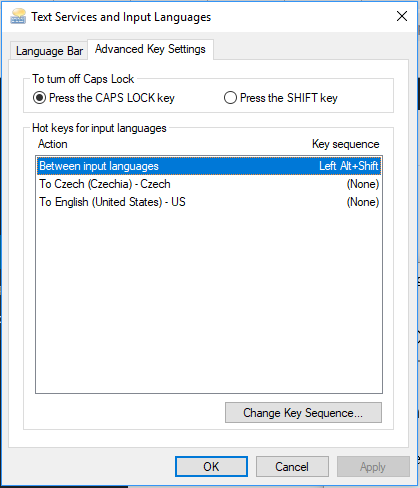
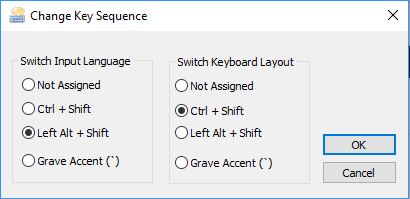
On some keyboards (specifically creating this for Slovak and Czech), 1-0 is replaced with language keys. The Unreal Engine doesn’t currently allow us to bind these keys. You could change your keyboard, but pressing Shift + ALT would revert your keyboard.
You can follow these steps to change the hotkey to change your keyboard.
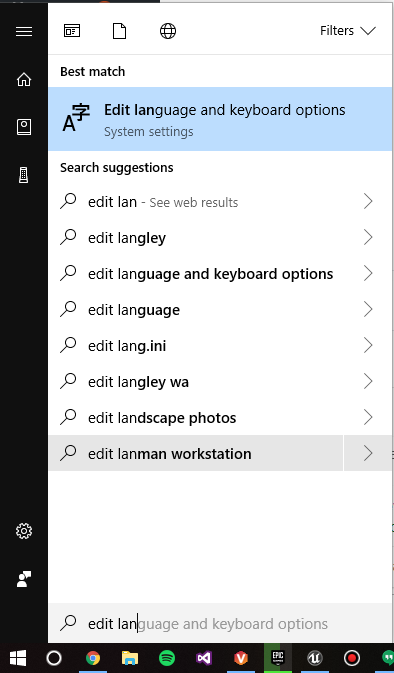
- Press the Windows key
- Search for Edit language and keyboard options
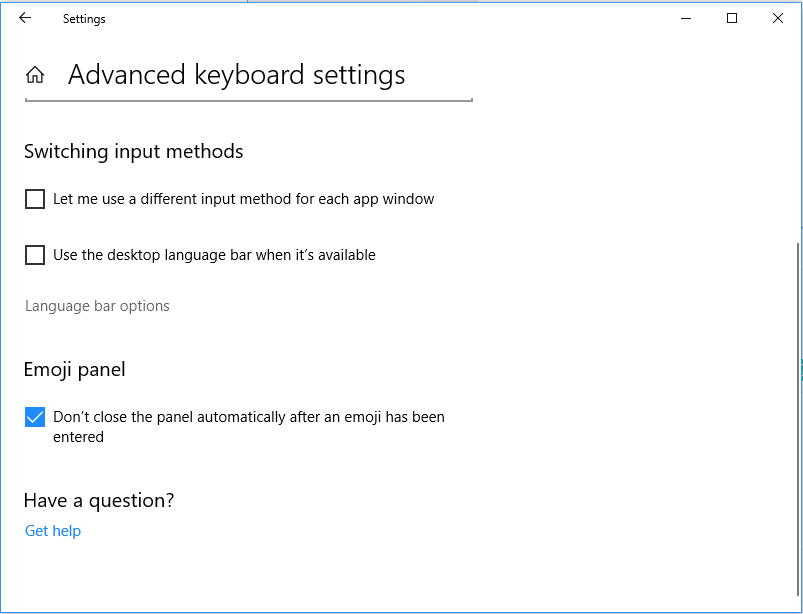
- Scroll to the bottom of the window and select Advanced keyboard options

- Click Language bar options
- Click the Advanced key settings tab
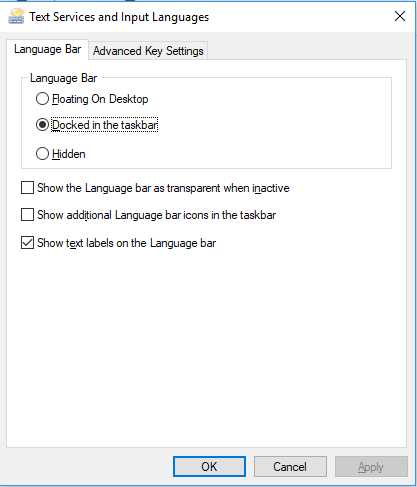
- On this screen, you can select one of the language keyboards and change hotkey sequence using the button below.